
SHAREit
SHAREit is a free Windows app from the SHAREit Team for moving photos, videos and documents between a PC and a phone. The current version is 5.1.0.7.
22.7 MB

Zapya for Windows is a free file transfer app from DewMobile for moving files between a PC and phones over a local wireless connection.
Average 0.0 · ratings: 0
Thank you! Your rating is saved; you can change it. Could not save the rating. Please try again later. Too many ratings from your network today. Please try again tomorrow. The average appears after 5 ratings.
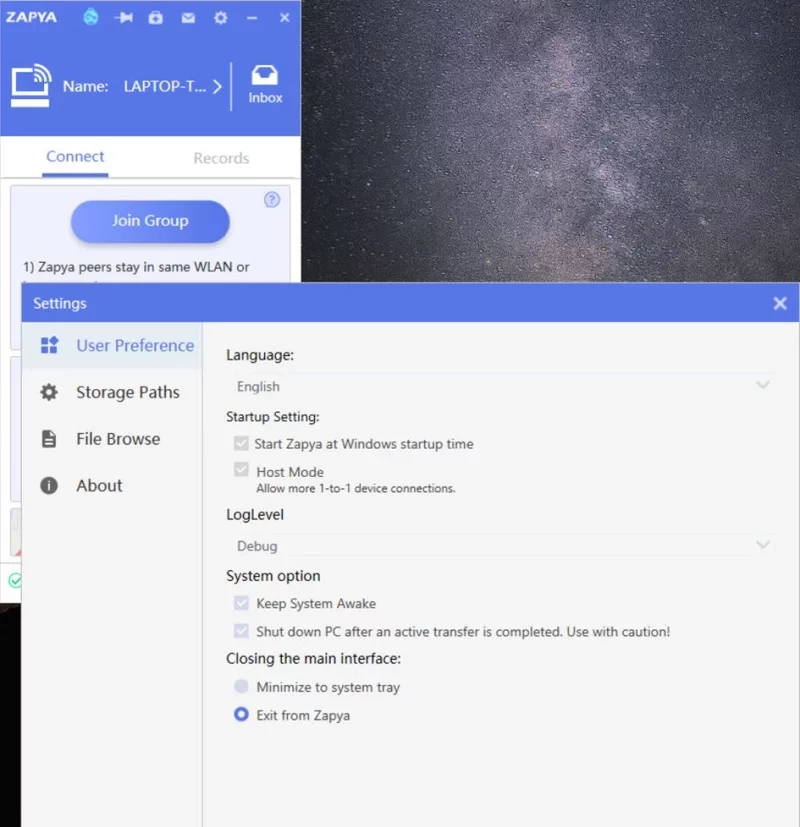
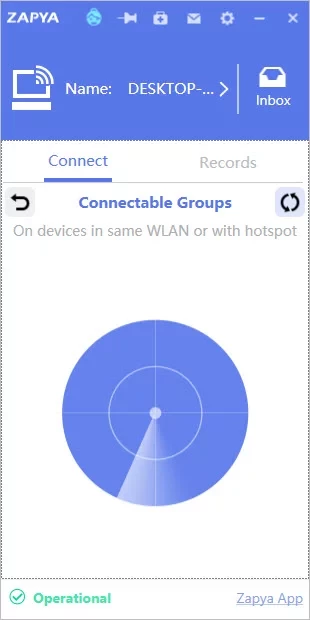
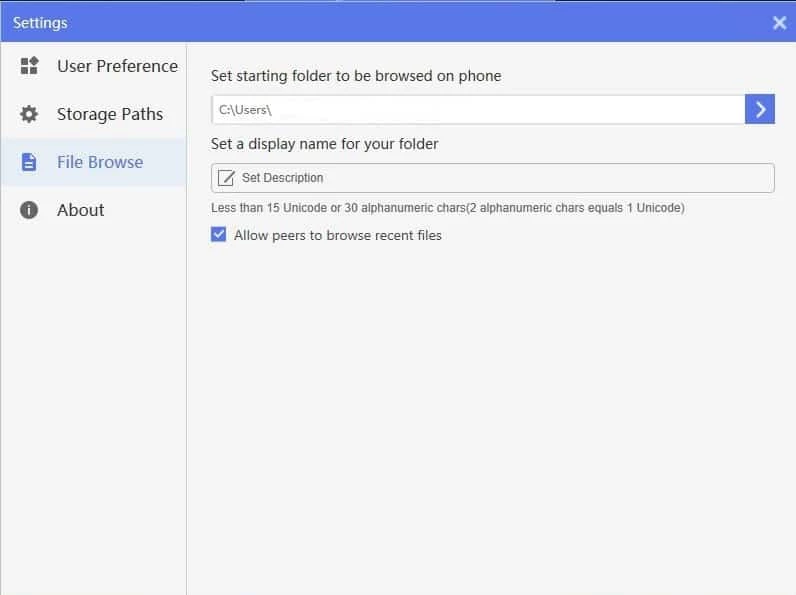
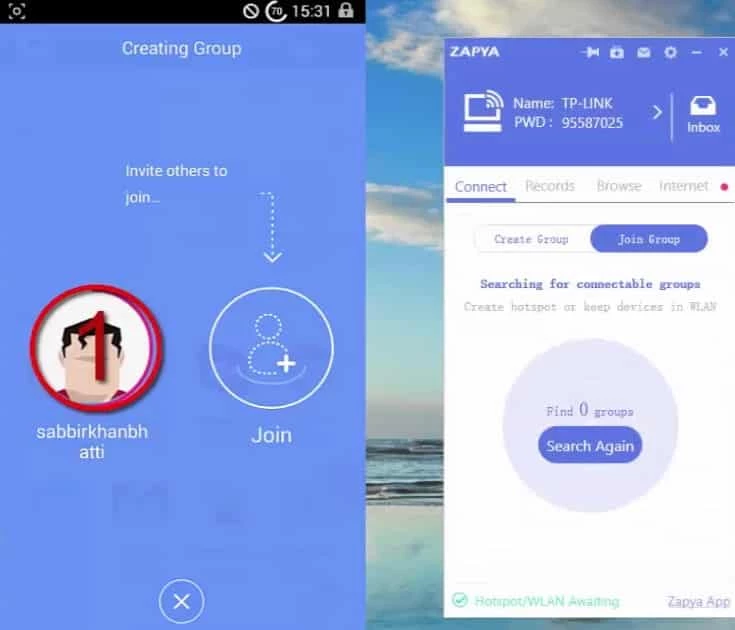
Zapya 2.8.0.2 is the Windows edition of the free file transfer app from Dewmobile Inc. You can download Zapya for Windows from the official site to send photos, videos and documents between your PC and phones without cables or mobile data.
| Item | Details |
|---|---|
| Version | 2.8.0.2 |
| Developer | Dewmobile Inc |
| Platform | Windows; the main app is for Android |
| Type | Local file sharing |
| Licence | Freeware |
| Size | about 18.65 MB according to catalogue data |
| Official site | izapya.com |
Zapya comes from China, where it grew as a phone app for sharing files between nearby devices. The idea is that a transfer should not depend on the internet: two devices connect directly over Wi-Fi, and files move at the speed of that local link. On Windows, the program turns the PC into one more device in that circle. You can pull a folder of photos off a phone, push a film to a tablet before a trip or collect files from several phones at a family gathering. Since the transfer stays local, large files do not eat into a data plan and do not wait for a cloud upload. The limits are the same as with any such app: devices must be close together, and the connection may need a few tries on busy Wi-Fi. For occasional transfers between a phone and a laptop, it is a practical alternative to cables and messengers that compress media.
A Windows PC with Wi-Fi and a phone running Zapya. No published requirements list is available in our data.
Download Zapya only from izapya.com or official app stores. Accept connections only from devices you recognise, and close the app when you are not using it, especially on public networks. Scan received files as you would any other download.
Make sure both devices are on and close to each other, and that the Windows firewall allowed Zapya on private networks. Some routers isolate devices from each other on guest networks, which blocks local transfers; switch to the main network or let the devices connect directly. Restarting the app on both ends solves most other hiccups.
Zapya is free; the apps may show ads.
Our site also lists SHAREit, Xender and Quick Share for local transfers, and TeamViewer for remote access. Updates are announced on the Zapya blog.
SHAREit is a free Windows app from the SHAREit Team for moving photos, videos and documents between a PC and a phone. The current version is 5.1.0.7.

Easy Connection to Screen is Samsung's Windows app for showing a PC's screen on a compatible Samsung TV over a wireless connection.

4K Video Downloader Plus is a Windows program from Open Media for saving online videos, playlists and audio for offline use, with a free mode and paid licences.

Internet Download Manager (IDM) is a shareware download manager for Windows from Tonec that accelerates, resumes and schedules downloads.

uTorrent (μTorrent) is a small BitTorrent client for Windows from Rainberry (BitTorrent Inc) for downloading and sharing files over torrents.

AnyDesk is a remote desktop application for connecting to and controlling another computer over the internet, from a small Windows program.

ShareMe is Xiaomi's free app for sending files between devices without a cable; on Windows the Android app runs only inside an emulator.

Xender is a free file sharing app from the Xender File Sharing Team for sending files between phones and computers over a local connection.